
Stepping into the world of cryptocurrency involves a fundamental shift in how you perceive money and ownership. In the traditional banking system, your funds are held by an institution that grants you permission to access them. You rely on their security, their operating hours, and their policies. If a bank decides to freeze an account or if a government restricts capital flow, your access to your own money can vanish instantly. Cryptocurrency was designed to offer an alternative to this custodial model.
The core promise of digital assets like Bitcoin is the ability to be your own bank. This means you possess the absolute authority to send, receive, and store value without asking for approval from any third party. However, this freedom comes with a significant responsibility. You must learn to manage the security of your assets personally. This is achieved through a piece of software or hardware known as a self-custody wallet.
Establishing a self-custody wallet is the first true step toward financial sovereignty in the digital age. It moves you from being a passive account holder to an active participant in a decentralized network. While the process may seem technical at first, it is rooted in simple principles of digital security and key management. Understanding these basics ensures that your entry into the crypto ecosystem is safe, secure, and entirely under your control.
Understanding the Digital Wallet Architecture
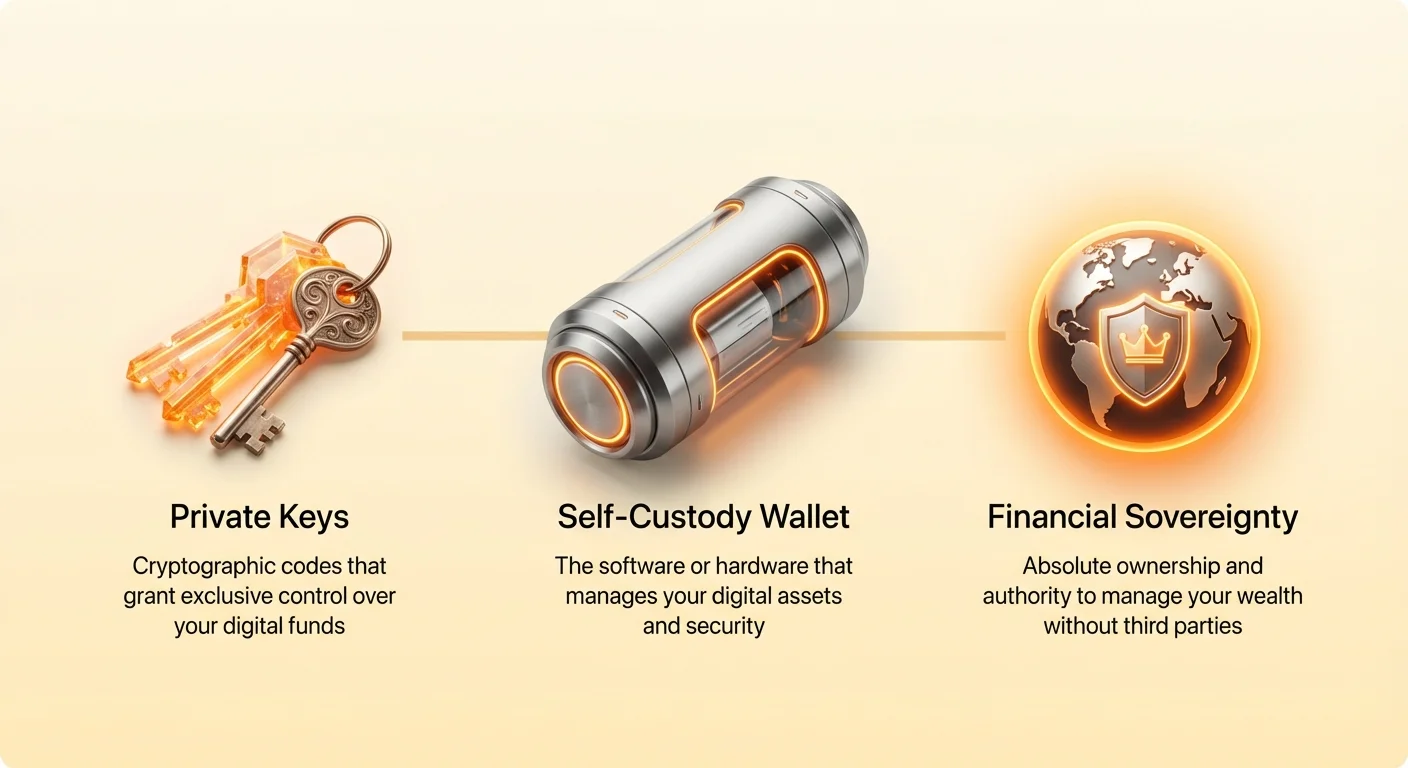
Many newcomers are confused by the terminology used in the industry. The term "wallet" is slightly misleading because it suggests that your digital coins are stored inside the application, much like cash in a physical billfold. In reality, a cryptocurrency wallet does not contain any digital tokens or coins. Instead, it functions more like a keychain or a secure debit card that grants access to funds that live on the blockchain network.
The Role of Cryptographic Keys
A wallet manages two distinct types of information: public keys and private keys. You can think of the public key as a mailbox address or a bank account number. This is information you can share with anyone. It allows others to send funds to you. The blockchain ledger records that a certain amount of value belongs to that specific address. The wallet software uses this public data to display your balance and transaction history.
The private key is the critical component that grants ownership. It functions like the physical key to the mailbox or the PIN code for a bank card. It is a long string of alphanumeric characters that acts as a digital signature. When you want to move funds, your wallet uses this private key to sign the transaction cryptographically. This proves to the network that you have the authority to spend the funds associated with the public address.
The Evolution of Wallet Interfaces
In the early days of Bitcoin, users had to manage these complex private keys directly. A private key is a 256-bit secret number that looks like a random string of characters. Handling these raw strings was error-prone and risky. If a user mistyped a character or lost the string, the funds were irretrievable. Modern wallets have abstracted this complexity away from the user interface to improve usability and safety.
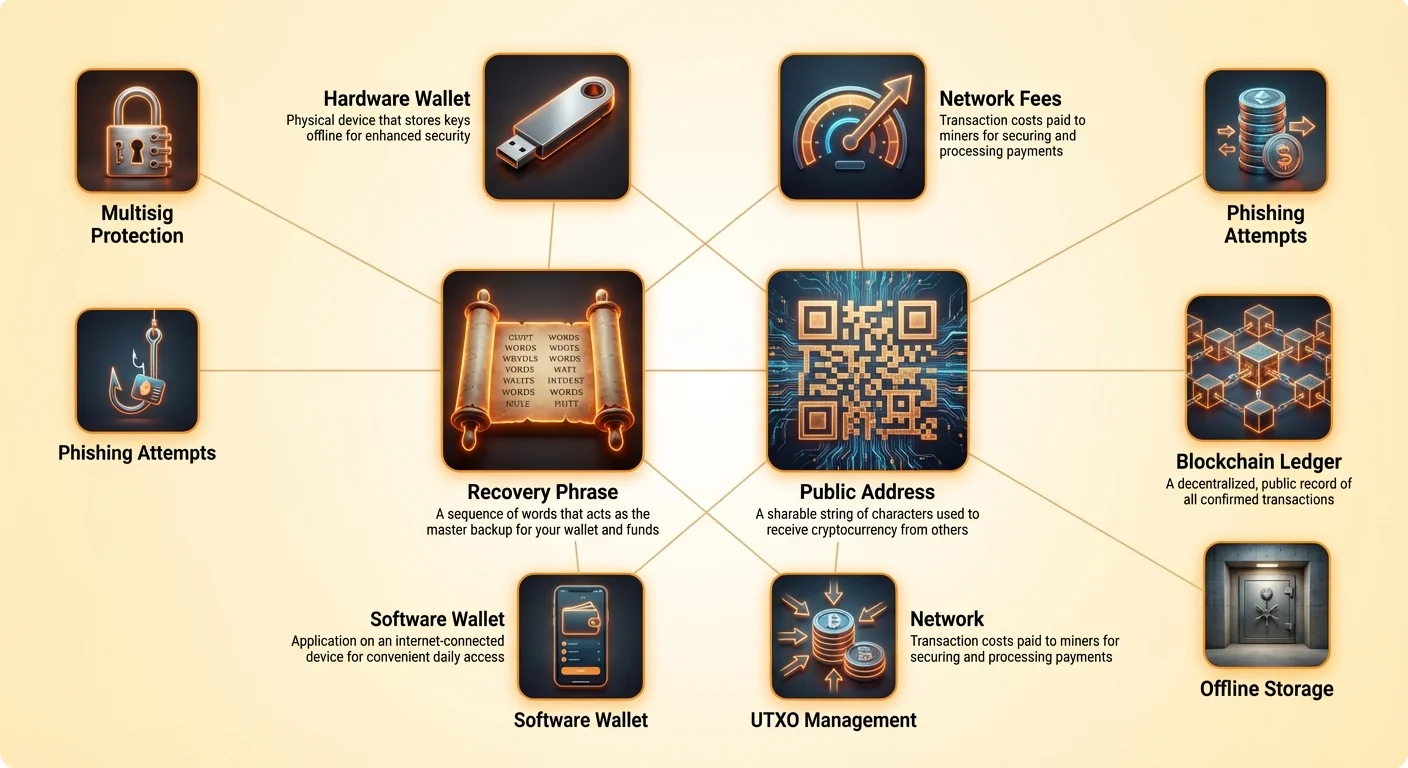
Today, most self-custody wallets use a standard known as a recovery phrase or seed phrase. This translates the complex mathematical data of a private key into a list of 12 to 24 random words taken from a specific dictionary. These words are human-readable and easier to write down. The wallet software uses these words to generate the necessary keys in the background. This innovation has made self-custody accessible to non-technical users without compromising the underlying security of the cryptographic system.
The Distinction Between Custodial and Self-Custodial
Before setting up a wallet, it is vital to understand the difference between holding funds on an exchange and holding them in a self-custody wallet. When you buy cryptocurrency on a centralized exchange, the exchange creates a wallet for you, but they retain control of the private keys. You have a login and password to their platform, but you do not technically own the crypto. You have a claim on the exchange's reserves, similar to a bank deposit.
Risks of Third-Party Custody
The mantra "not your keys, not your coins" highlights the primary risk of custodial services. If a centralized exchange faces insolvency, gets hacked, or is shut down by regulators, your funds are at risk. In bankruptcy proceedings, exchange customers often find themselves last in line to be repaid. Furthermore, exchanges often impose withdrawal limits, require identity verification, and can freeze accounts based on internal policy changes or external pressure.
The Freedom of Self-Custody
Self-custody eliminates the middleman entirely. When you create a personal wallet, the private keys are generated locally on your device. No company, including the wallet developer, has access to your funds. You can send money anywhere in the world, at any time, without waiting for approval or dealing with daily limits. This aligns with the original vision of cryptocurrency as a peer-to-peer electronic cash system.
This model places the burden of security squarely on your shoulders. There is no "forgot password" button in self-custody. If you lose your private keys and your backup, the money is gone forever. There is no customer support team that can reset your access or reverse a transaction. This trade-off between absolute control and absolute responsibility is the defining characteristic of the decentralized financial ecosystem.
Selecting the Appropriate Wallet Type
Self-custody wallets come in various forms, each balancing security and convenience differently. Software wallets, also known as "hot wallets," run on devices connected to the internet, such as mobile phones or desktop computers. They are excellent for frequent transactions and daily usage. Hardware wallets, or "cold storage," are physical devices that keep keys offline, offering superior protection for large savings.
| Feature | Software Wallet (Hot) | Hardware Wallet (Cold) |
|---|---|---|
| Connectivity | Always online | Offline storage |
| Cost | Generally free | $50 - $200+ |
| Convenience | High (quick access) | Medium (requires device) |
Step 1: Installing and Initializing
The process of setting up your first wallet begins with selecting a reputable software provider. For beginners, a mobile wallet often provides the best balance of user experience and security features. It allows you to use biometrics like face ID or fingerprint scanning to add a layer of protection to the app itself. Always ensure you are downloading the official version of the application from a legitimate source to avoid fake clones.
Generating the Wallet
Once the application is installed, you will typically see an option to "Create new wallet." When you select this, the software begins a cryptographic process on your device's processor. It uses a random number generator to create a new private key and its corresponding public key. This process happens entirely offline within the device, ensuring that the keys are never transmitted over the internet or stored on a company server.
During this initialization phase, the wallet may ask for permission to use biometric data or to set a PIN code. This PIN is distinct from your private key. The PIN simply unlocks the application on your specific phone. If an attacker steals your phone, the PIN prevents them from opening the app. However, the PIN alone does not grant access to the blockchain funds if the wallet needs to be restored on a different device.
Preparing for Backup
After the keys are generated, the interface will usually prompt you to back up your wallet immediately. Some applications might allow you to skip this step to get to the main screen faster, but this is dangerous. Until the backup is secured, your funds are vulnerable to the loss or destruction of the device. The initialization is not truly complete until the recovery information is recorded safely.
Step 2: Securing the Recovery Phrase
The backup phase is the single most critical step in the entire process. The wallet will display your recovery phrase, which usually consists of 12 random words. These words must be recorded in the exact order they are presented. This sequence serves as the master key for your assets. Anyone who has these words can access your funds from any location in the world, even without your phone or your PIN code.
The Analog Necessity
You should write these words down on paper using a pen. Do not take a screenshot of the words. Do not type them into a note-taking app, email them to yourself, or save them in a cloud document. Digital storage of recovery phrases creates a vulnerability; if your cloud account is compromised or your computer is infected with malware, hackers can steal the phrase and drain the wallet. Physical paper storage keeps the key offline and out of reach of digital attackers.
Verification and Storage
Most wallet applications will force you to verify the phrase immediately after showing it to you. You will be asked to re-enter the words or select them from a scrambled list to prove you have recorded them correctly. Once verified, the paper backup should be stored in a secure location, such as a fireproof safe or a lockbox. Some users verify the durability of their backup by using metal plates to engrave the seed words, protecting them from fire and water damage.
Step 3: Receiving Assets
With the wallet created and backed up, you are ready to receive cryptocurrency. To do this, you need to locate your public address within the app. This is usually found by tapping a "Receive" button. The wallet will display your address as a long string of alphanumeric characters and as a QR code. You can share this address freely with anyone who needs to send you funds.
Address Formats and Privacy
Bitcoin addresses have evolved over time, leading to different formats. You might see addresses starting with a "1" (Legacy), a "3" (SegWit compatibility), or "bc1" (Native SegWit). Most modern wallets use the "bc1" format because it helps lower transaction fees and improves efficiency. While you have one main "account," your wallet can generate unlimited new addresses that all point to the same balance.
For privacy reasons, it is recommended to use a fresh address for every transaction. Since the blockchain is a public ledger, reusing the same address allows anyone to track your payment history and estimate your total holdings. Modern HD (Hierarchical Deterministic) wallets handle this automatically. Each time you tap "Receive," the app may present a new, unused address. All funds sent to these generated addresses still arrive in your single wallet balance.
Verification Before Sharing
When copying your address to share it, always verify the characters. Malware exists that can monitor a computer's clipboard and swap a copied crypto address for one belonging to a hacker. When you paste the address into a message or an exchange withdrawal form, verify the first four and last four characters to ensure they match what is displayed in your wallet.
Step 4: Executing Transactions
Sending cryptocurrency involves broadcasting a message to the network signed by your private key. In your wallet interface, you will select "Send," input the recipient's address, and specify the amount. You can usually toggle the value display between the cryptocurrency unit (like BTC) and your local fiat currency (like USD) to make it easier to calculate the value you are transferring.
Understanding Network Fees
Every transaction on a blockchain requires a fee. This fee is not paid to the wallet provider but to the miners or validators who secure the network. The fee is generally calculated based on the data size of the transaction in bytes, not the dollar amount being sent. This means sending $100 might cost the same in fees as sending $1,000,000 if the transaction data size is the same.
The data size depends on the structure of your funds, known as Unspent Transaction Outputs (UTXOs). If you received five small payments of 0.2 BTC each, you have five distinct digital "coins" or UTXOs. To send 1.0 BTC, your wallet must gather these five inputs and bundle them into one transaction, which increases the data size and the fee. Conversely, sending a single 1.0 BTC input is smaller and cheaper.
Customizing Speed and Cost
Most self-custody wallets allow you to customize the network fee. Higher fees incentivize miners to include your transaction in the next block, resulting in faster confirmation times. If you are not in a rush, you can select a lower fee, though the transaction may take longer to confirm. If a fee is set too low during periods of high congestion, the transaction might get stuck in the "mempool" (memory pool) until fees drop or the transaction is dropped from the queue.
Enhancing Security Post-Setup
Once your wallet is active, ongoing security becomes a matter of operational security (OpSec). The most common threat to self-custody users is social engineering or phishing. Attackers often impersonate wallet support teams or famous figures on social media to trick users into revealing their recovery phrases. Legitimate wallet providers will never ask for your 12-word phrase.
Recognizing Phishing Attempts
Phishing scams can take the form of fake emails, malicious websites, or direct messages on platforms like Discord and Telegram. These communications often create a false sense of urgency, claiming your wallet is compromised or that you must "validate" your account to avoid suspension. Always remember that a self-custody wallet does not have an "account" that can be suspended by a provider. These are invariably attempts to steal your keys.
Advanced Protection with Multisig
For users securing significant amounts of value, a standard wallet might not be enough. A shared or "multisig" (multi-signature) wallet adds a layer of redundancy. This setup requires multiple private keys to authorize a transaction. For example, a "2-of-3" wallet involves three keys, where any two are required to spend funds. You might hold one key, a family member holds another, and a lawyer holds the third.
This structure protects against both theft and loss. If an attacker steals one key, they cannot move the funds because they lack the second signature. Conversely, if you lose your key, the funds are not lost forever, as the other two participants can combine their keys to recover the assets. While more complex to set up, multisig represents the gold standard for institutional-grade self-custody.
Conclusion
Transitioning to self-custody is a significant milestone in your cryptocurrency journey. It aligns your financial practice with the ethos of decentralization, granting you immunity from bank runs, censorship, and third-party insolvency. By generating your own keys and securing your recovery phrase, you claim full ownership of your digital wealth.
However, this power requires vigilance. The safety of your assets depends entirely on your ability to keep your private keys private and your backup secure. There are no safety nets in the blockchain protocol. By following the steps outlined here—choosing the right wallet, backing up offline, validating addresses, and understanding fees—you can navigate the crypto landscape with confidence and security.
Your keys represent your digital freedom; guard them with the same care you would give to a physical bar of gold.